Transparent Writing GIFs
Handwriting animations with no background at all — drop them straight onto a coloured slide, a dark chat theme, a photo or a video.
What is a transparent writing GIF?
A transparent writing GIF is a handwriting animation saved with no background, so whatever sits behind it shows through instead of a white rectangle. That makes it usable on a coloured slide, a dark-mode chat, a photo or a video overlay.
Every GIF in this collection is free to download and use, commercially included, with no attribution and no watermark.
Greetings
Hellos, good mornings and good nights, handwritten.
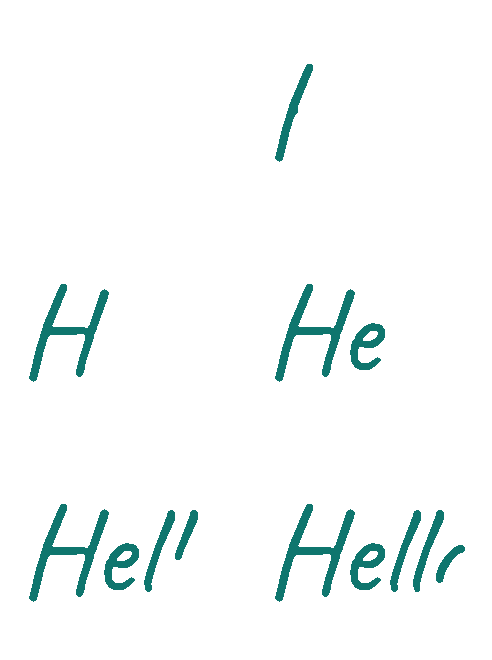
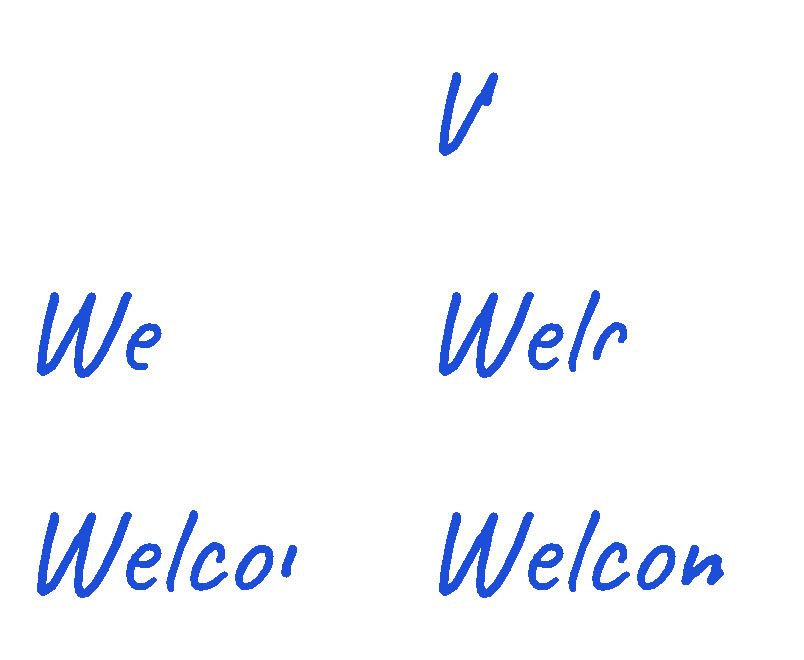
Birthday
Animated birthday wishes for cards, chats and stories.
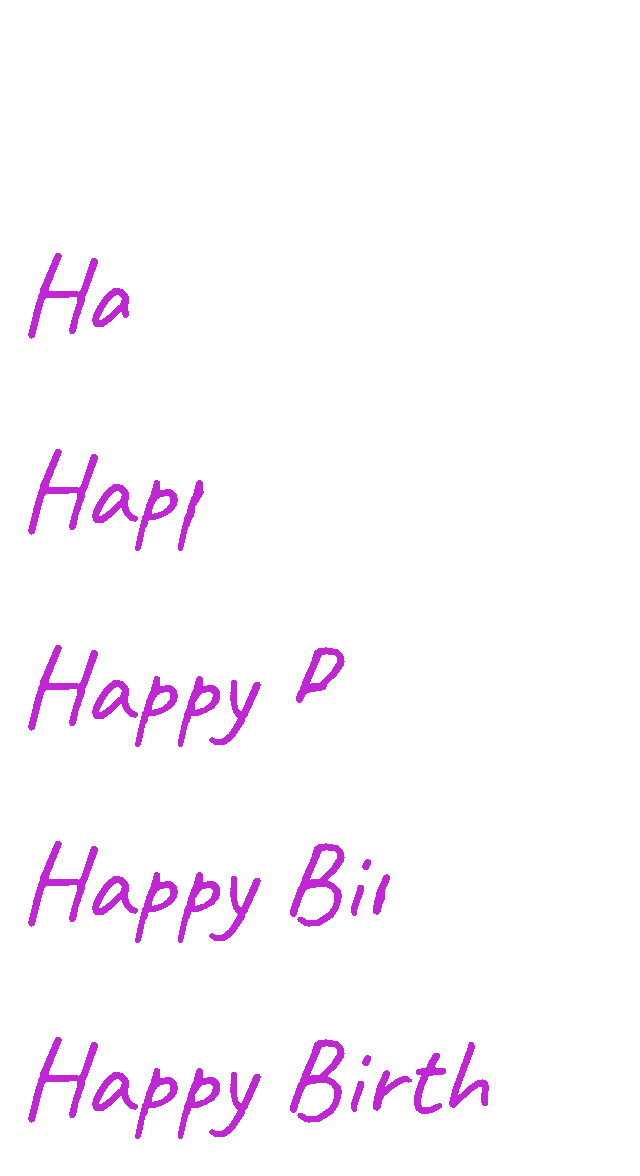
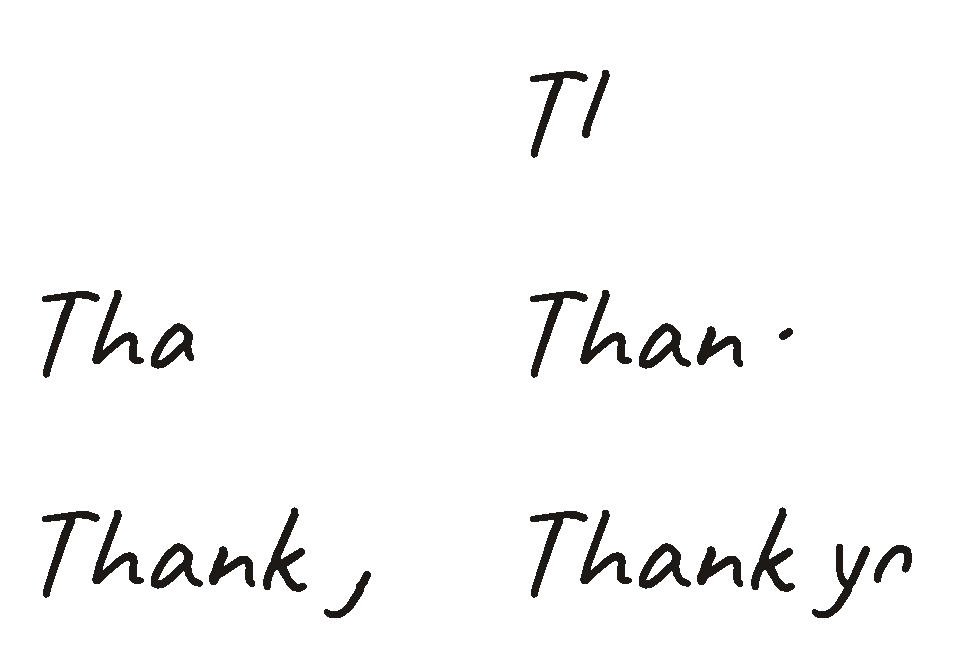
Thank you
Handwritten thank-you notes that feel personal, not corporate.
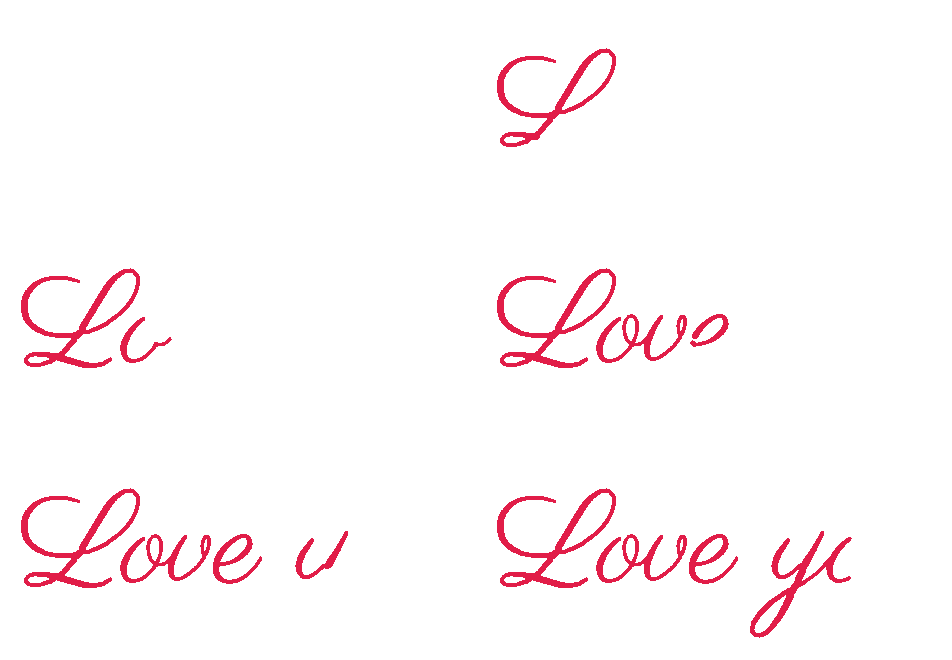
Love & affection
Written-by-hand messages for the people you like most.
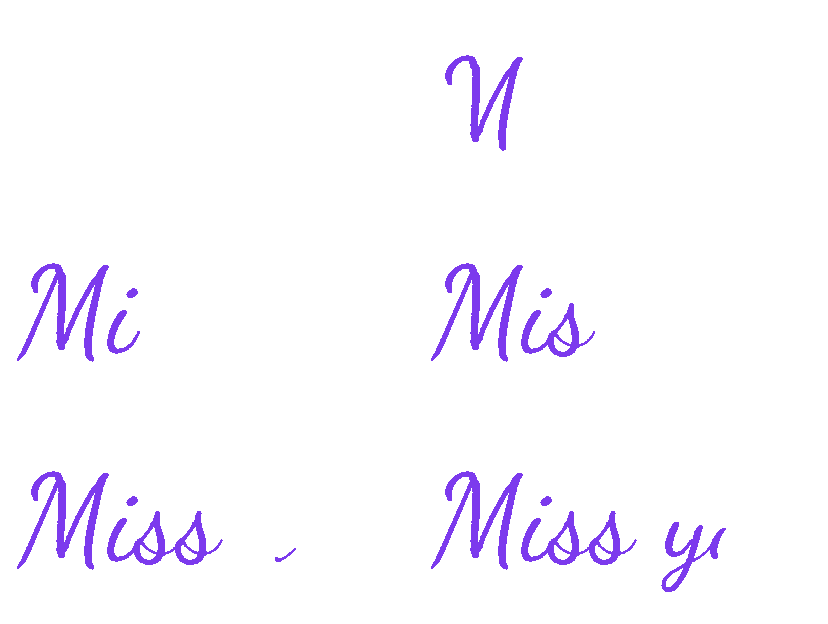
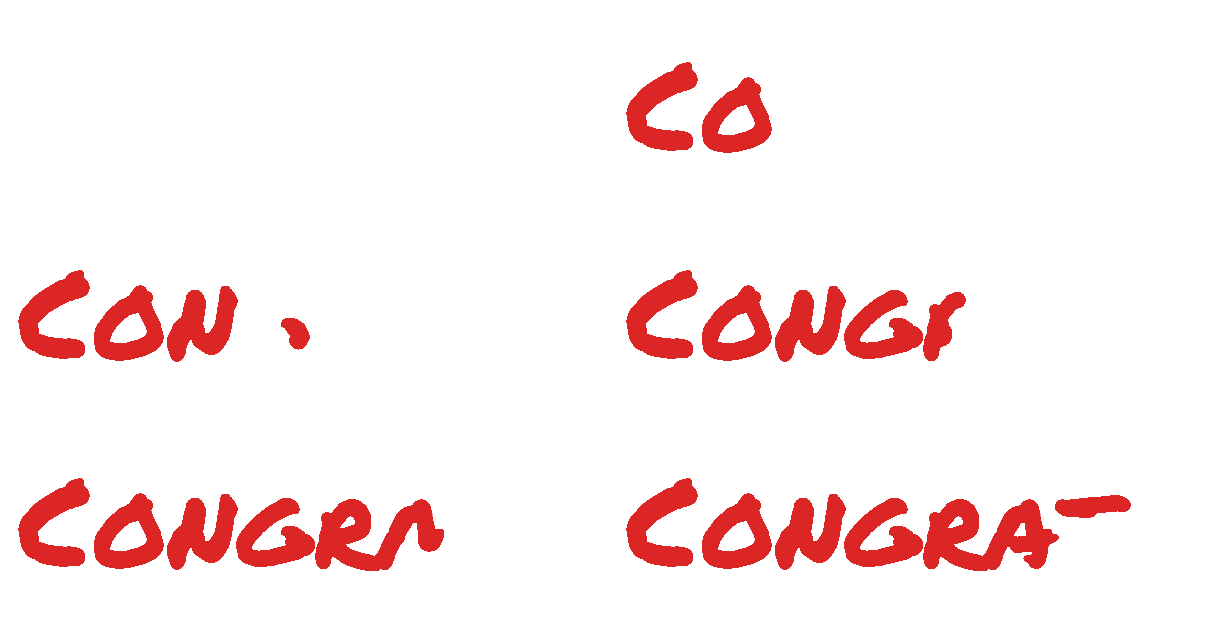
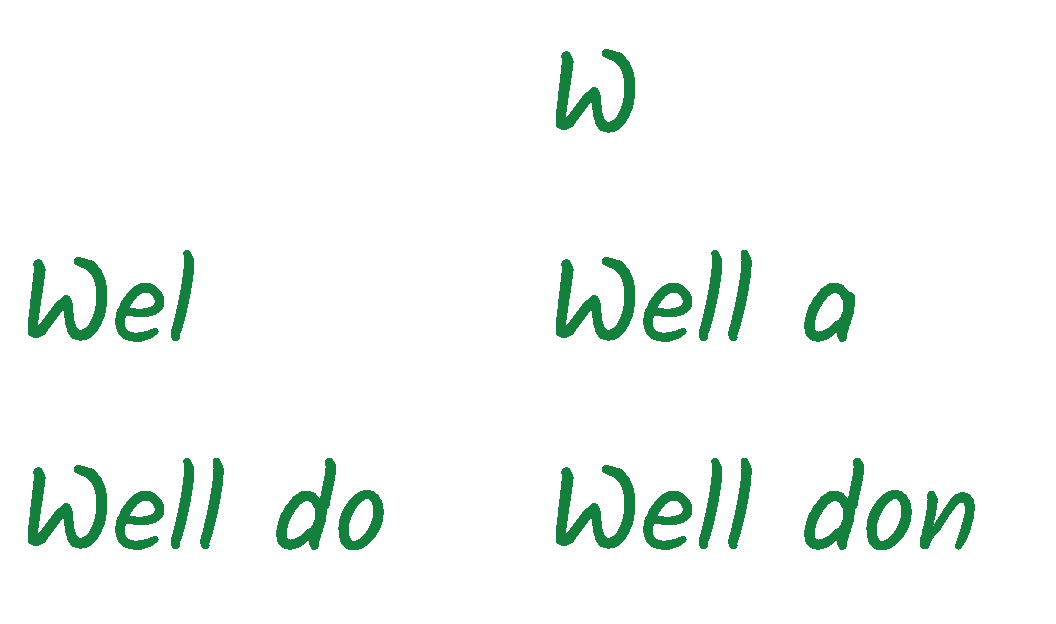
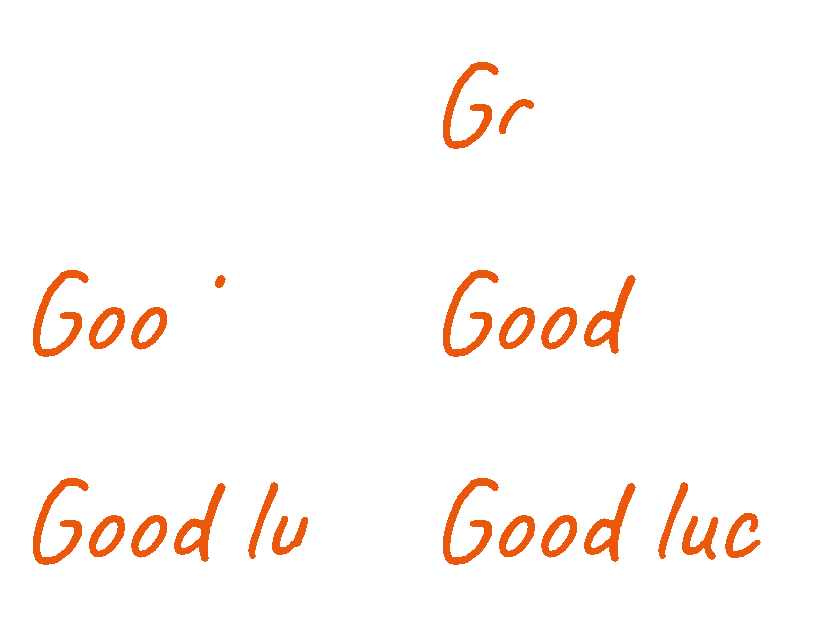
Congratulations & encouragement
Praise, good luck and keep-going notes.
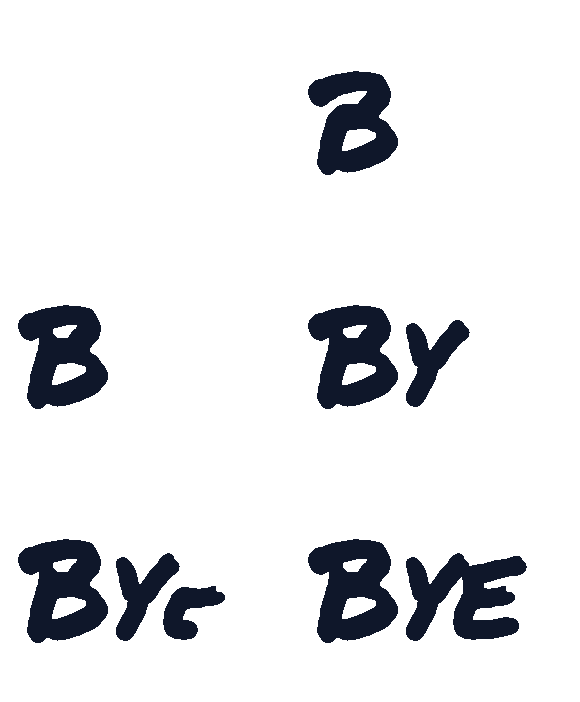
Holidays & goodbyes
Seasonal wishes and signoffs.

What to expect from a transparent GIF
GIF stores transparency as one bit per pixel: each pixel is either fully visible or fully gone, with nothing in between. There is no way to fade a stroke edge into the background, so the lettering here has a slightly harder edge than the white-background set. That is a limit of the format, not of the export — a PNG or WebM of the same text can feather the edge, a GIF cannot.
The same limit makes these files larger. With no flat background to compare against, the encoder can't store a frame as the difference from the one before it, so each frame carries its own transparency map. Expect a few hundred KB rather than the 20–40 KB of the white-background versions; they are captured at a lower frame rate to keep that in check.
A few older messaging apps flatten transparency to white when they re-encode an upload. If that happens, use the matching white-background GIF from the main library instead — it will look identical on a white surface.
Make your own writing GIF
Every GIF here was produced with the free WriteGIF editor — same fonts, same stroke engine. Type any text, pick a handwriting style and ink colour, and download the animation. It runs entirely in your browser: your text is never uploaded.
Transparent writing GIF FAQ
Why do the letter edges look slightly jagged?+
GIF transparency is all-or-nothing per pixel, so a stroke edge cannot fade into whatever is behind it. On a background close to white the difference is invisible; on a dark background you may see a harder edge. The white-background set in the main library has fully smooth edges if that matters more than transparency.
Why are these files bigger than the other writing GIFs?+
Without an opaque background the encoder cannot express a frame as a delta from the previous one, so every frame stores its own full transparency map. A transparent GIF of the same phrase runs several times the size of the white-background version.
Will they work on a dark background?+
Yes — that is what they are for. Each one is drawn in a colour that stays readable on both light and dark surfaces, and there is no white box behind the text.
Can I get one with my own words?+
Yes. Click "Make this with your own text" on any GIF to open the editor with the same font and colour, set the background to Transparent, and export.
More in GIF tools
See allNo image? Generate one with AI
One at a time works fine — or paste a list of prompts, or upload a sheet, and download the whole batch as a ZIP.